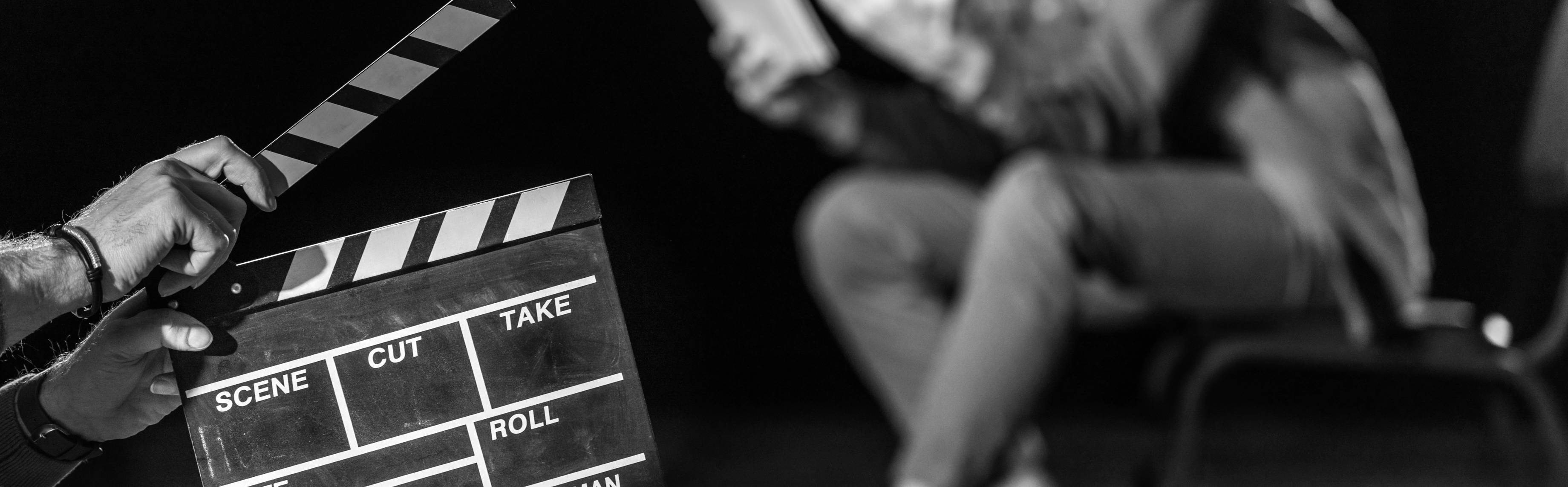
hands holding a film clapper with an actor blurred in background

Learn The Filmmaking Process from Professionals


In this course, you will gain a foundational understanding of filmmaking by learning how stories are told through image and sound, using curriculum developed by working film and television professionals. The course is built on INDSTRY’s Introduction to Film & Digital Media—part of the INDSTRY initiative, launched by George Clooney in partnership with CAA and leading entertainment industry partners to expand access to real career pathways in film and television. 

two hands holding a film clapper against an orange background

Course Information:

  • Price: $945
  • Hours Earned: 75 Hours
  • Delivery: Self-Paced
  • Duration: 3 months
  • Open Enrollment

Prerequisites: There are no prerequisites to take this course; however, you must have familiarity with using a personal computer in a Windows or Mac environment. You must also be able to launch and close programs, navigate to information stored on the computer, and manage files and folders. 

INDSTRY’s Introduction to Filmmaking & Digital Media is a comprehensive foundations course that teaches how stories are told through image, sound, performance, and structure. Rather than focusing on a single tool or job role, the course develops visual literacy, narrative thinking, and creative decision-making across the full filmmaking process.

Students learn how films communicate meaning through framing, movement, light, sound, editing, and performance. Historical context is paired with hands-on practice, helping learners understand not only how films are made, but why certain creative choices work. Throughout the course, students complete applied projects that translate theory into concrete visual outcomes.

This course is designed for early filmmakers, content creators, and students exploring film, media, or creative careers. No prior filmmaking experience is required. By the end of the course, students will have a foundational understanding of cinematic language and a body of practical work demonstrating their ability to think and create like filmmakers.

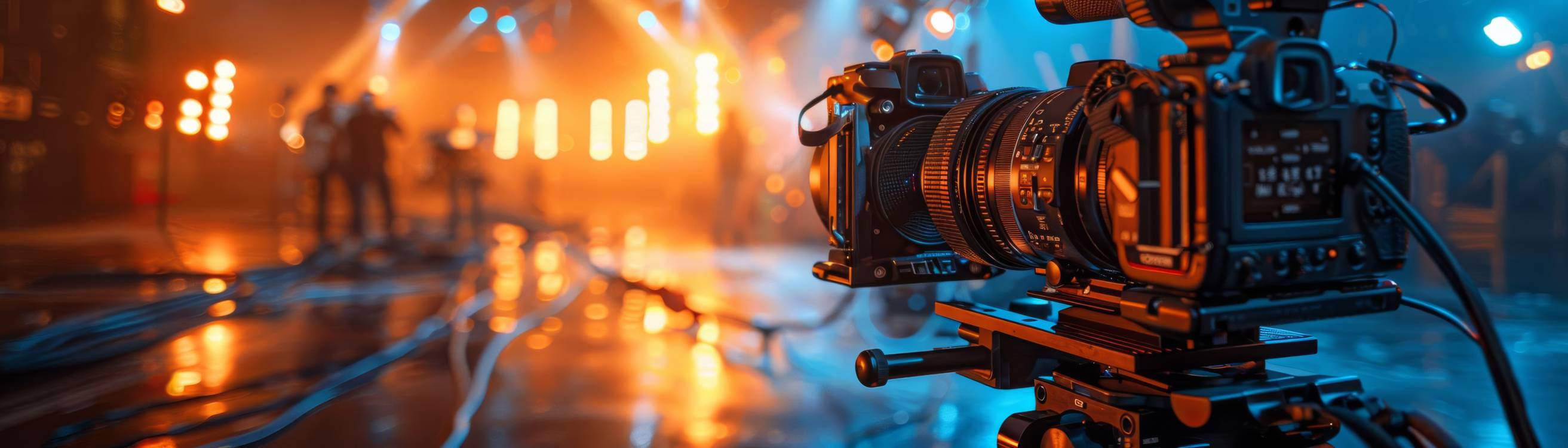
camera in the foreground with film set in the background

What You Will Learn

  • How visual storytelling works across cinematography, directing, sound, editing, and design
  • The core language of cinema, including shot size, composition, movement, light, and sound
  • How stories are structured for film through character, conflict, pacing, and theme
  • How to translate a screenplay into visual scenes using blocking, framing, and editing
  • How directors work with actors, space, and performance to convey emotion and meaning
  • How sound and editing shape tone, rhythm, and audience perception
  • How to analyze professional films and screenplays to reverse-engineer creative decisions
  • How to apply cinematic concepts through hands-on projects and short visual exercises

How You Will Benefit

  • Build strong visual literacy that applies across filmmaking, media, and content creation
  • Develop the ability to make intentional, creative decisions rather than imitating surface style
  • Create a portfolio of short projects demonstrating visual storytelling and narrative thinking
  • Gain exposure to multiple film disciplines before specializing
  • Learn industry-relevant workflows without being locked into a single job role or software path
  • Develop analytical skills useful for directing, editing, cinematography, and writing
  • Build confidence in translating ideas into clear, expressive visual outcomes
  • Receive personalized, constructive feedback from working industry professionals to refine your craft and elevate your final projects
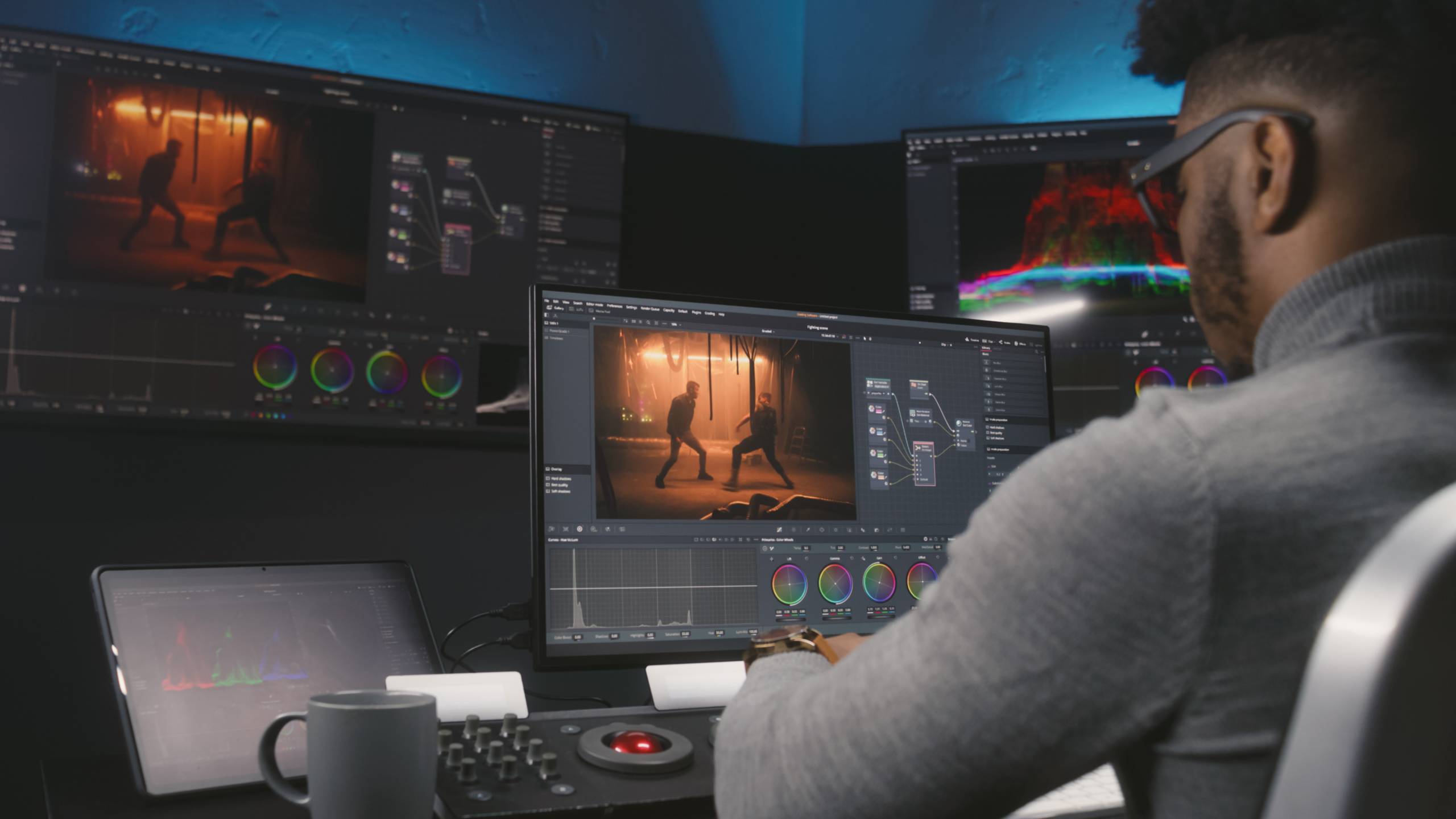
a man sitting in front of several monitors

FAQ

What kinds of jobs can this course help me explore?
This course provides a foundation that is relevant to early roles in film, television, and digital content creation, including production assistant, junior editor, assistant camera, and social media video creator. It is also suitable preparation for students planning to pursue further study in film, media, communication, or related creative fields.​

Does this course qualify me to work as a director or cinematographer right away?
This is a foundations course, so it focuses on building core cinematic language and practical skills, not granting an advanced professional credential. Graduates will have stronger visual literacy and sample projects for entry-level roles or further education, but will still need additional experience and training to move into senior creative positions.​

How does this course relate to other creative paths like graphic design or animation?
While some concepts, such as composition, color, and visual hierarchy, overlap with graphic design and motion graphics, this course is centered on moving-image storytelling for film and digital media. Students interested in design or animation can use what they learn about framing, pacing, and sound-image relationships to strengthen projects in those adjacent fields.​

What practical skills will I have by the end of the course?
You will know how to plan, shoot, and edit short visual pieces that use shot size, movement, light, performance, and sound to tell a story. You will also be able to analyze professional films and translate script pages into visual plans using tools like shot lists, blocking diagrams, and storyboards.​

Will I build a portfolio?
Yes. Throughout the course, you will complete a sequence of short projects—such as scene breakdowns, visual storytelling exercises, editing and pacing studies, and location-based films—that can be curated into an entry-level reel or portfolio. These examples help demonstrate your ability to think like a filmmaker and make intentional creative choices, even on a small scale.​

How much film theory is included versus hands-on work?
The course blends historical and theoretical context with concrete practice in camera, directing, sound, and editing. Lessons on topics like realism, montage, and documentary strategies are always tied to applied exercises that require you to shoot, cut, or analyze specific scenes.​

Which software is used in the course?
The course uses industry-standard tools such as Adobe Premiere Pro for editing, but the concepts covered will apply to any standard editing software. Instruction focuses on using these tools to support cinematic storytelling rather than on software-only workflows.​

Does this course prepare you for an Adobe certification?
You will gain experience using Adobe Premiere Pro and related tools in a filmmaking context, but this course is not structured as a dedicated Adobe Certified Professional exam-prep bootcamp. Learners who wish to pursue Adobe certification may find that the editing and workflow skills gained here support later, more targeted certification study.​

Is this course right for complete beginners?
Yes. The course is designed for early filmmakers, content creators, and students exploring film and media for the first time, with no prior on-set or editing experience required. You should be comfortable using a computer and willing to experiment with shooting and editing short pieces.​

Can this help if I already make basic content for social media?
If you already create simple videos, this course will help you move beyond instinctive shooting into deliberate cinematic choices around framing, performance, sound, and structure. You will learn to critique and revise your own work using concepts like coverage, pacing, and visual storytelling, which can significantly raise the quality of your content


REQUIREMENTS

Hardware Requirements:

  • This course can be taken on either a PC or Mac. Chromebooks are not compatible.
  • Some content within the Workforce Development Kit may have individual hardware and software requirements. Much of the content within the Computer Skills section is not compatible with a Mac or Chromebook. Software must be installed and fully operational before you attempt any of the activities. A basic calculator with the ability to add, subtract, multiply, divide, and calculate square roots may be required for some activities within the Math Refresher module.

The processor should be:

  • Intel® 7th Gen or newer CPU or Apple silicon M1 or newer for Mac
  • Intel® 7th Gen or newer CPU with Quick Sync – or AMD Ryzen™ 3000 Series / Threadripper 2000 series or newer CPU for Windows

In addition, the computer should have at a minimum:

  • 4 GB of GPU memory
  • 16 GB of RAM
  • 8 GB of available hard-disk space for installation
  • Display of 1920 x 1080 or greater
  • A microphone
  • Speakers
  • A webcam

Software Requirements:

  • PC: Windows 10 or later.
  • Mac: macOS 12 or later.
  • Browser: The latest version of Google Chrome or Mozilla Firefox is preferred. Microsoft Edge and Safari are also compatible.
  • Adobe Photoshop (not included in enrollment).
  • Adobe Premiere Pro (not included in enrollment). See Premiere Pro system requirements for detailed hardware and software specifications.
  • Adobe Acrobat Reader.
  • Software must be installed and fully operational before the course begins

Other:

  • Email capabilities and access to a personal email account.
  • Optional: Digital video camera - like on many modern mobile phones.

Instructional Material Requirements:

  • The instructional materials required for this course are included in enrollment and will be available online.

INDUSTRY PROFESSIONAL FEEDBACK

Receive direct, personalized critique from working film and media professionals who review your project and provide actionable insights to strengthen your storytelling, technical execution, and overall production quality. 

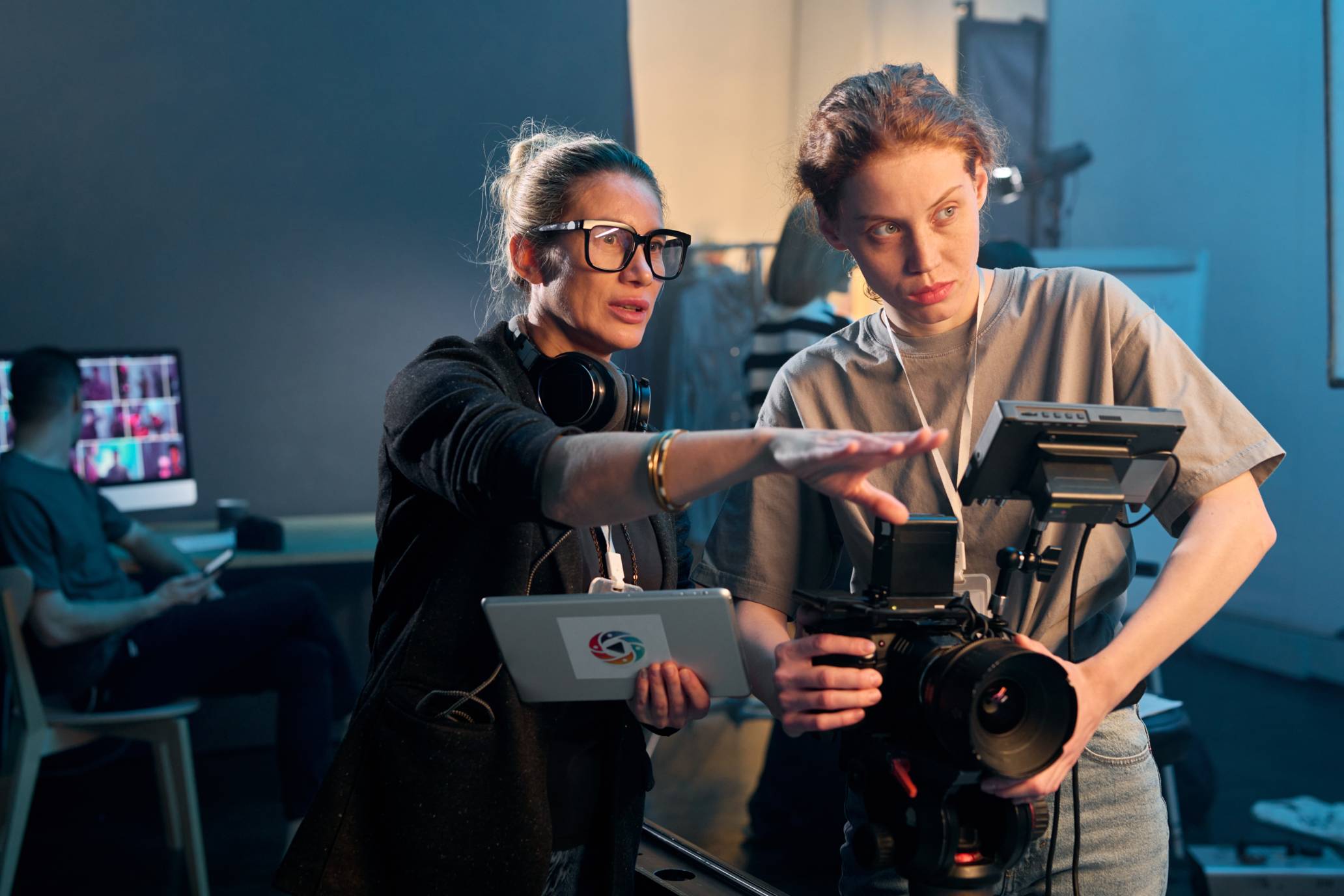
a woman instructing a camera tech on a film set

You've got questions, we're here to help.


INDSTRY

855.520.6806

email@email

SYLLABUS

  1. Foundations of Filmmaking
    1. Introduction to Filmmaking
    2. Introduction to Screenwriting
    3. Introduction to Directing
    4. Introductions to Cinematography
    5. Shot Sizes and Their Functions
    6. Introduction to Editing
  2. Storytelling and Structure
    1. Story Structure
    2. Screenplay Formatting
    3. Character Dialogue and Voice
    4. Translating Script Pages
    5. Storyboarding
    6. Plot, Set-Up, and Conflict
    7. Outlines and Treatments
    8. Shorts vs. Features
  3. Camera and Composition
    1. Camera I
    2. Camera II
    3. Composition and Depth
    4. Composition: Practical
    5. The Moving Camera
    6. Movement: Practical
    7. Actors: Faces, Eyes, Words, and Bodies
    8. Profile: Tanisha Moreno
  4. Light 
    1. Lighting I
    2. Lighting II
    3. Basic Lighting
    4. Light & Shadow
    5. Lighting a Shot with Eddie A. Reid IV
    6. Profile: Ceasar Flores
  5. Sound
    1. Sound I
    2. Sound II
    3. Sound III
    4. Production Audio Basics
    5. Using Sound Expressively
    6. Tutorial: Sound Mixing with Peter J. Devlin
    7. Profile: Domonique Ashford
  6. Editing
    1. Basic Editing in Adobe Premiere
    2. Pacing and Feeling
    3. Montage: Action, Dialectics and Space
    4. Coverage and Sequencing
    5. Post Effects and Color
  7. Techniques and Film Language
    1. Documentary: Strategies, Forms, and Reasons Why
    2. Design and Color
    3. Vision and Sensibility
    4. Realism 
    5. Nonlinear Approaches
    6. Concepts and Themes

Projects and Applied Learning 

Students complete a sequence of projects, including:

  • Scene breakdown and visual interpretation
  • Performance and acting analysis
  • Non-verbal visual storytelling exercises
  • Editing and pacing studies
  • Sound design analysis
  • Character-driven visual scenes
  • Location-based and observational films

Each project reinforces core cinematic concepts while developing practical skills in planning, shooting, and editing short visual pieces.

Continuing Education